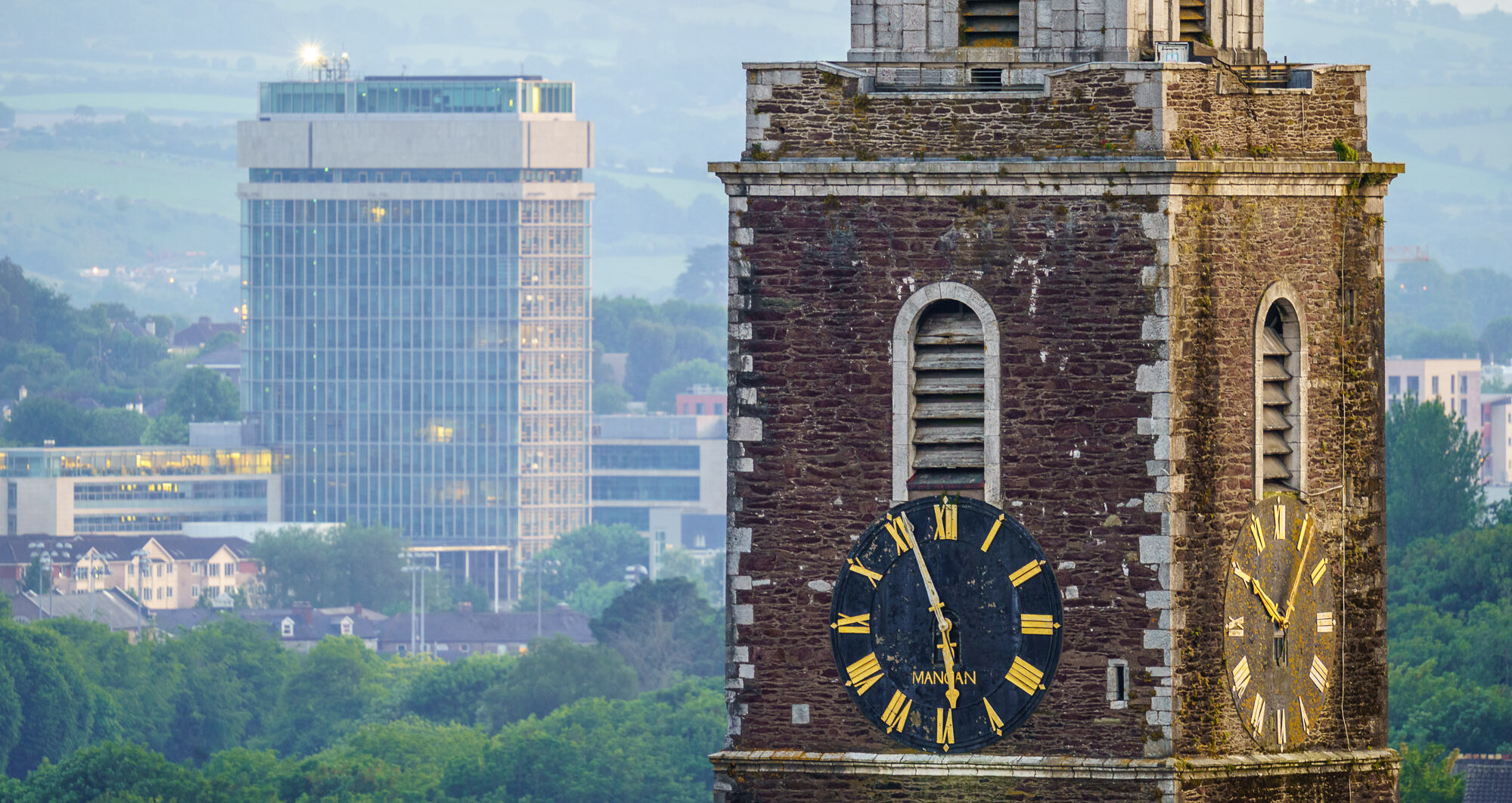
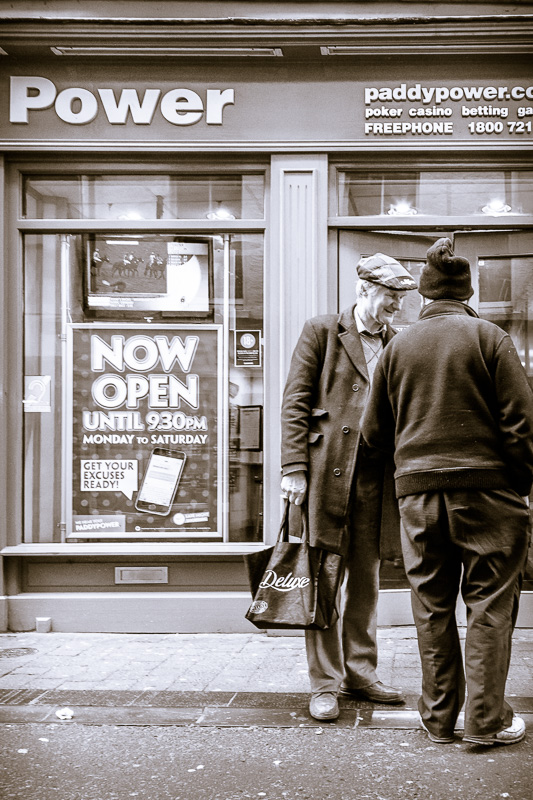
| Aperture | ƒ/8 |
| Camera | Canon EOS 6D |
| Focal length | 32mm |
| ISO | 6400 |
| Shutter speed | 1/250s |
-
Ship Leaving Cork Harbour
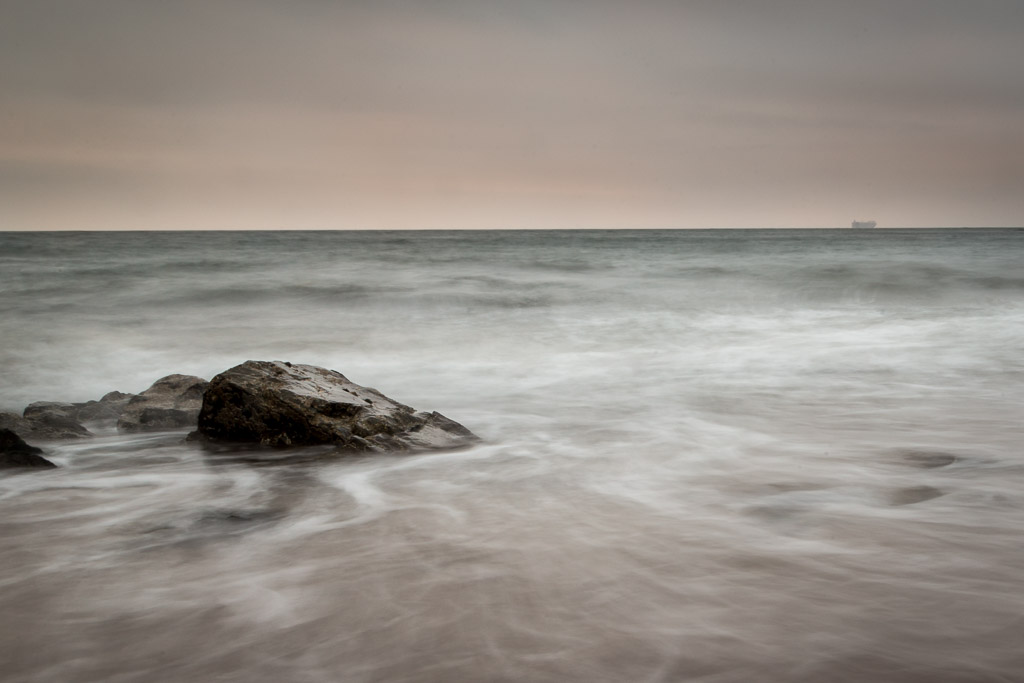
A ship on the horizon visible from Myrtleville Beach on Thursday night.
Aperture ƒ/22 Camera Canon EOS 6D Focal length 24mm ISO 50 Shutter speed 2.5s -
Water swirls at Myrtleville
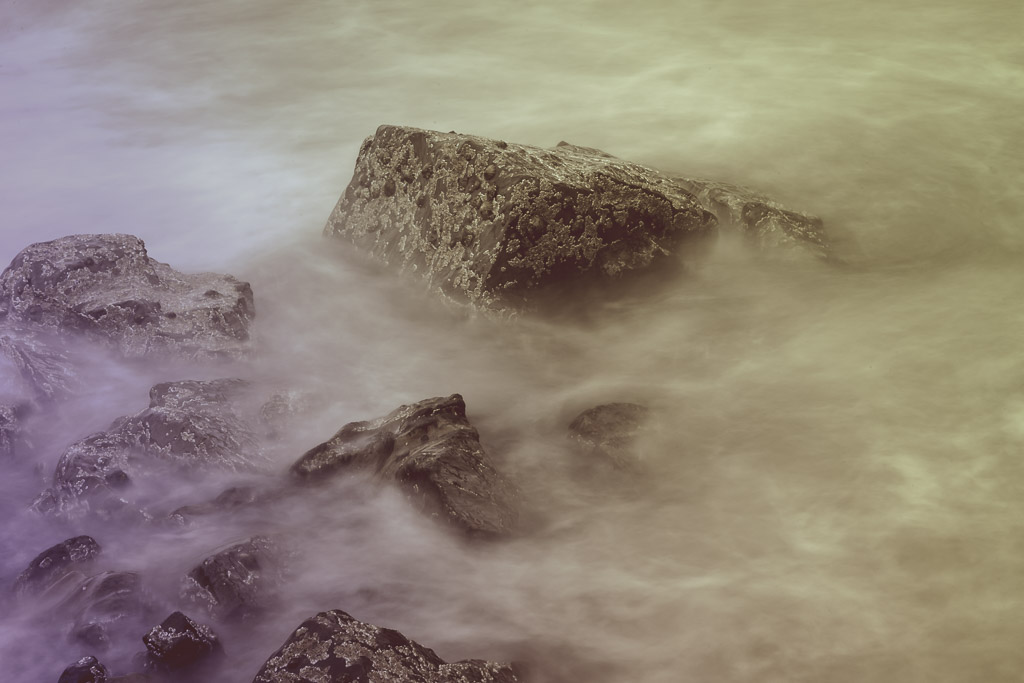
A long exposure photo I took on Thursday night at Myrtleville with Blarney Photography Club. Unfortunately rain closed in after only half an hour or so and we were forced to leave early. Should have brought the umbrella out!
Aperture ƒ/22 Camera Canon EOS 6D Focal length 105mm ISO 50 Shutter speed 5s -
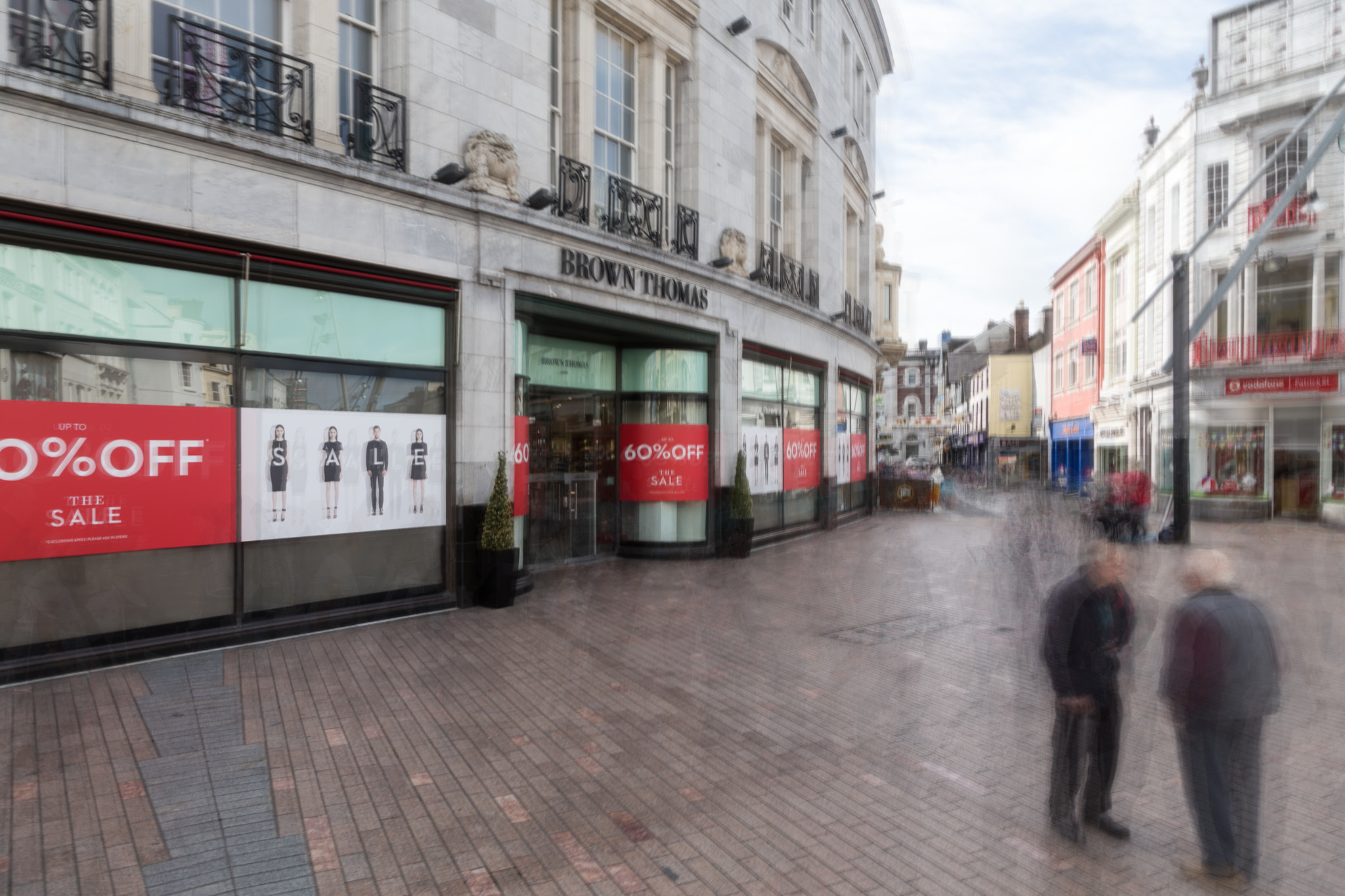
The Ghosts of Debenhams
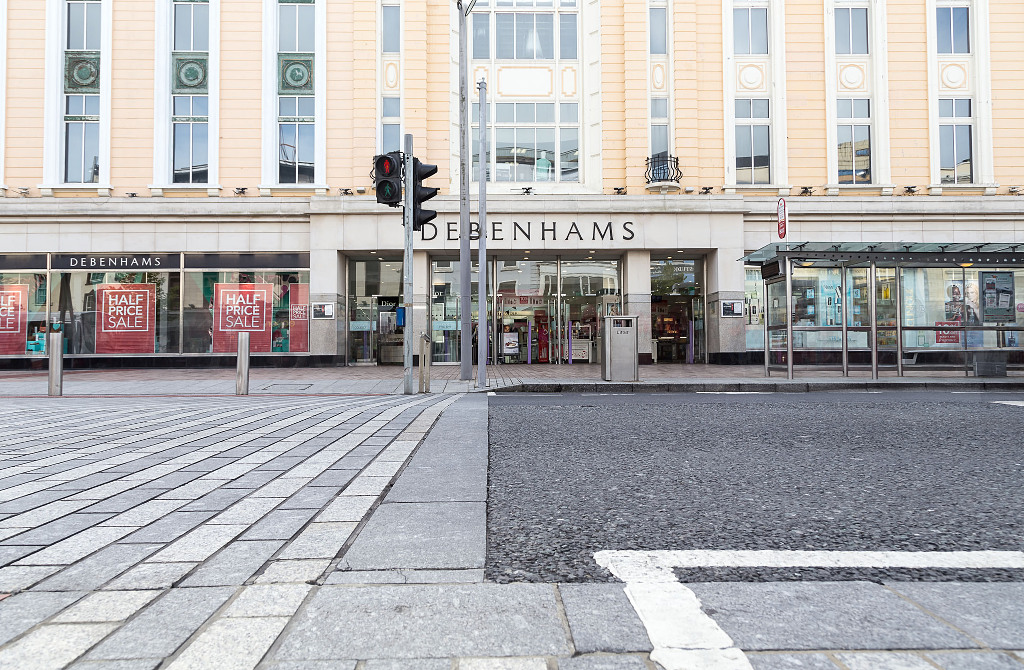
Looks deserted doesn’t it? I shot this photo around 10am this morning with bustling traffic, pedestrians walking each direction, a girl on her phone standing in the entrance to Debenhams looking around. People waiting at the bus stop even.
Where are they gone? By taking around 20 shots of this scene and averaging out the differences all that was left was the building behind and some slight blurring around the bus stop.
Another one I shot of Brown Thomas didn’t work quite so well because I was using the bus stop as a DIY tripod and my camera moved during each frame but I do like the odd fuzzy feel of this image.
Aperture ƒ/8 Camera Canon EOS 6D Focal length 24mm ISO 320 Shutter speed 1/320s -
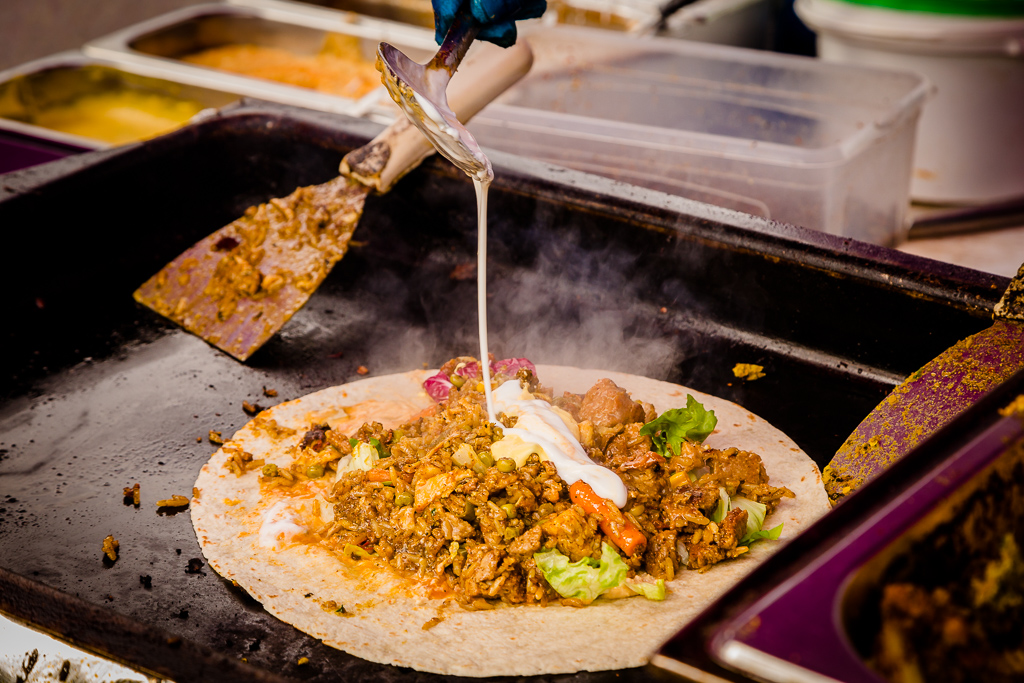
More Sultans in Blackrock

The Sultan stall in Blackrock Village has to be my favourite. I love their food, it’s always agreed with me and boy is it tasty. This is a photo I took last March when it was a lot colder but the guys were still cheerful. Today Taoufik was cooking and produced a delicious 3 meat combo for me! I would have taken a photo of that but, eh, I was too busy eating it so you’ll just have to find him yourself and order it or head into the Sultan restaurant on Penrose Wharf!
Aperture ƒ/8 Camera Canon EOS 6D Focal length 24mm ISO 400 Shutter speed 1/320s -
Long Exposure Photography through Stacking

The usual way of taking long exposure photos is by leaving the shutter open for a long time. This requires either a dark location or ND filters of some sort on the end of your lens. There is another way and that’s called image stacking.
In a nutshell, you take a series of well exposed photos of short exposure for the same duration you’d use for a long exposure shot. Then in development you create a number of images files which are then merged together to create a final “averaged” image. You can use Photoshop, GIMP, Imagemagick or I presume many other apps to create this image. I used Imagemagick here as I don’t have Photoshop and didn’t want to load all those images into GIMP and I had read that “convert” would do a good job.
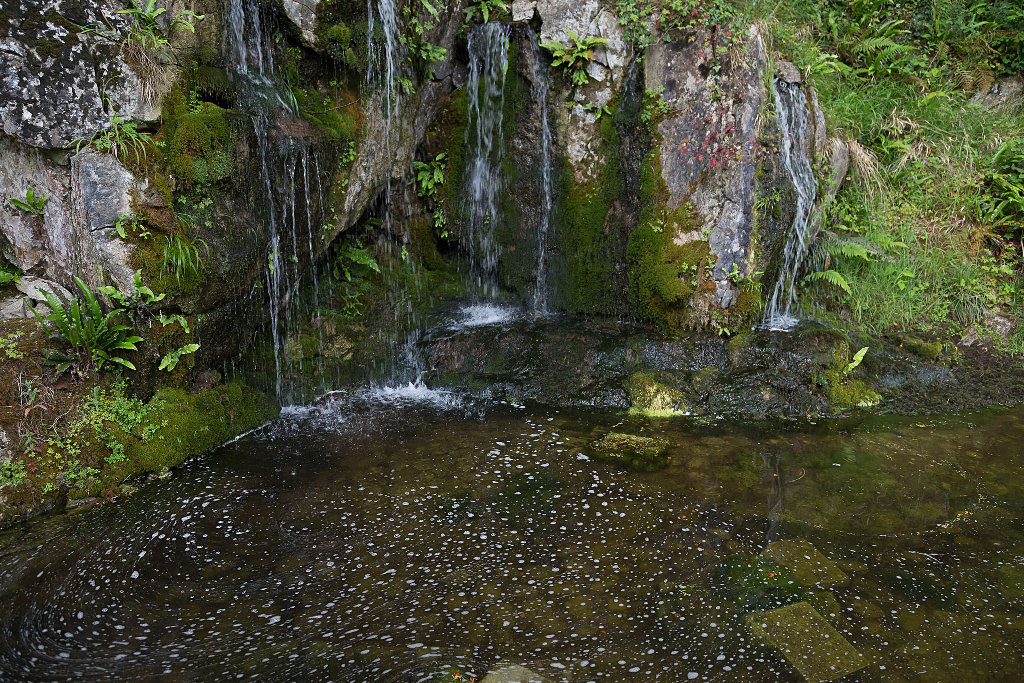
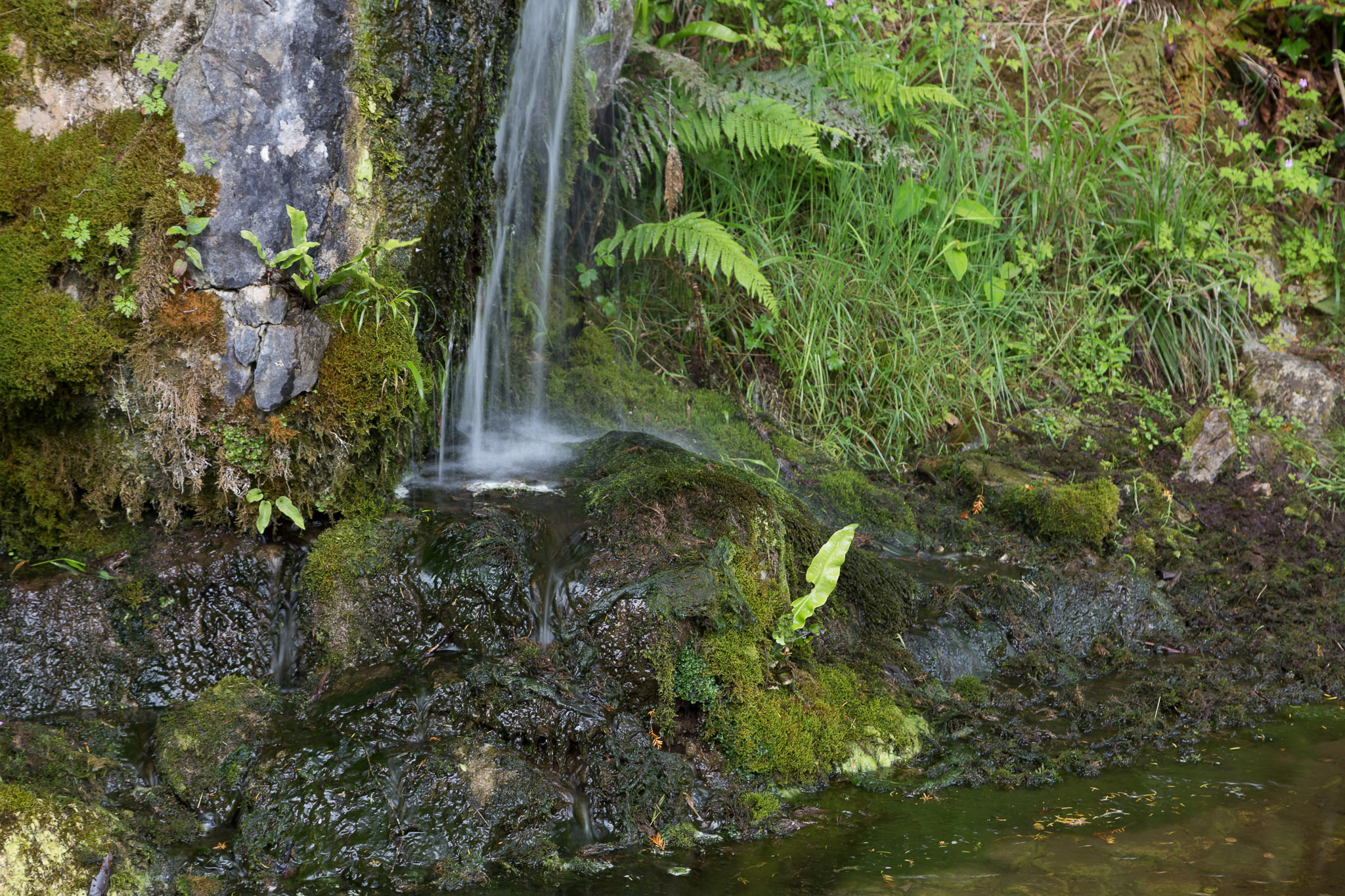
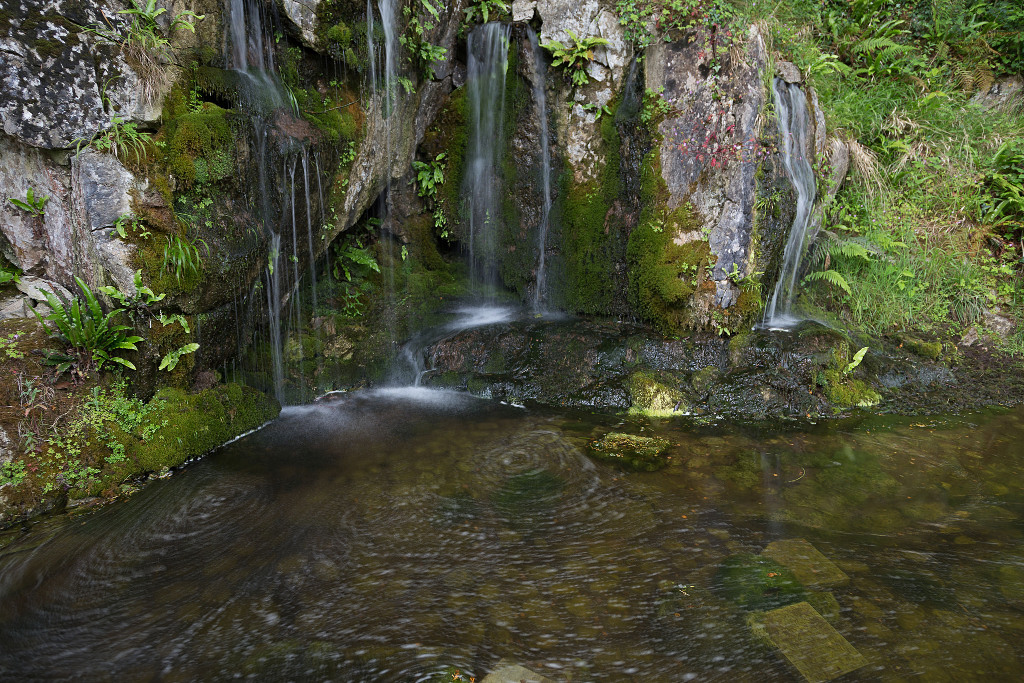
Here’s one I created earlier today in the slightly shady but bright gardens of Blarney Castle:
The images that went into creating that image all look like this. They were shot at f/4, mostly shot at 1/80 of a second and ISO 100. I wanted fast images with minimal noise and the scene is mostly flat so I wasn’t too worried about depth of field.
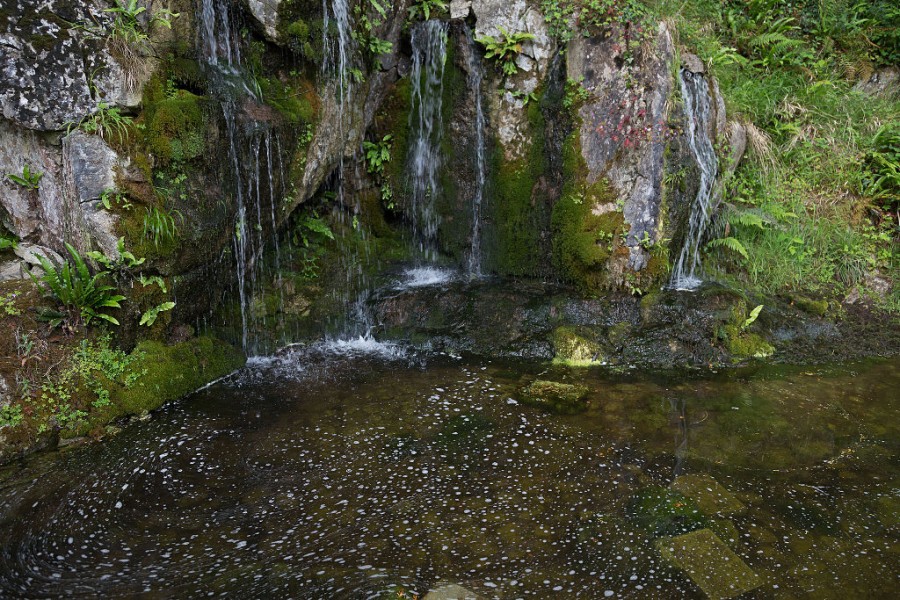
To make this image I took 27 photos of the scene. I imported them into Lightroom (didn’t do much apart from applying my default settings) and exported Jpeg files. In the directory where I exported them I ran the convert programme from ImageMagick like this:
convert *.jpg -average average.jpg
That command was used by Luis Argerich, the author of this post who created a simulated 4 hour exposure of the sky and went on to say:
Averaging can be used in static scenes to create a new photo with less noise. Noise is reduced in the function of the square root of the number of images. So if you average 25 shots you have 5 times less noise than in a single image.
Averaging can also be used in non-static scenes to simulate a long exposure.Patrick David in this post suggests a slightly different command which I tried and it created a similar photo.
If your exposure somehow went wildly different with some images bright, some dark, use the “Match Total Exposures” feature in Lightroom to pull them back.
ImageMagick is fairly easy to install. If you are using Linux you probably already have it installed. You can download it from this site or if you use Mac OS X, install Homebrew and then it’s as simple as this to install:
brew install imagemagick
Here are a few more examples:
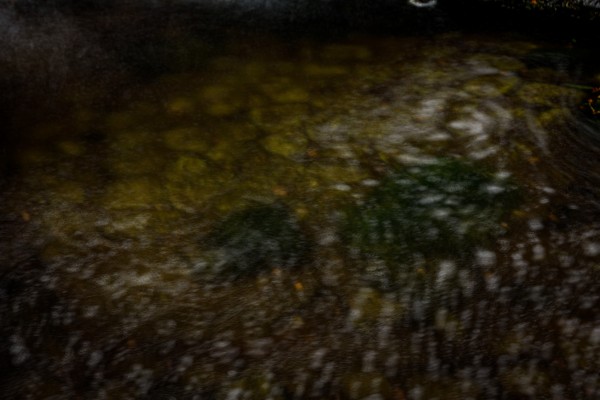
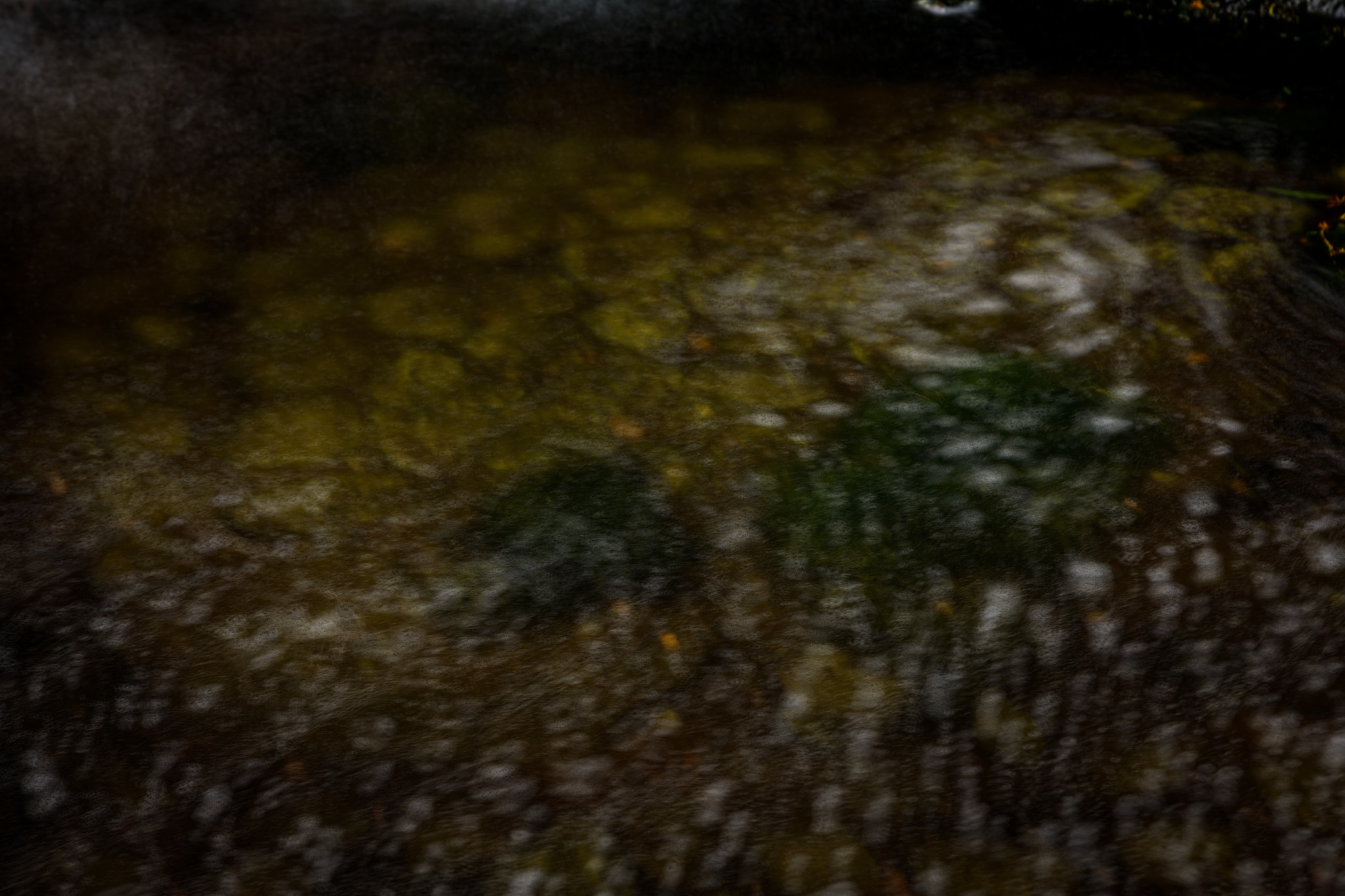
This one didn’t work out. I was trying to capture the swirling of the bubbles on the water.
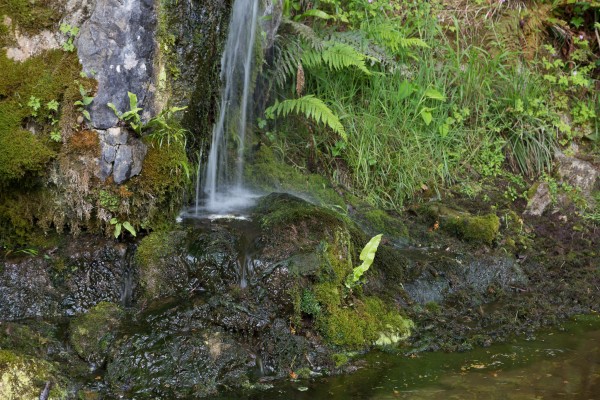
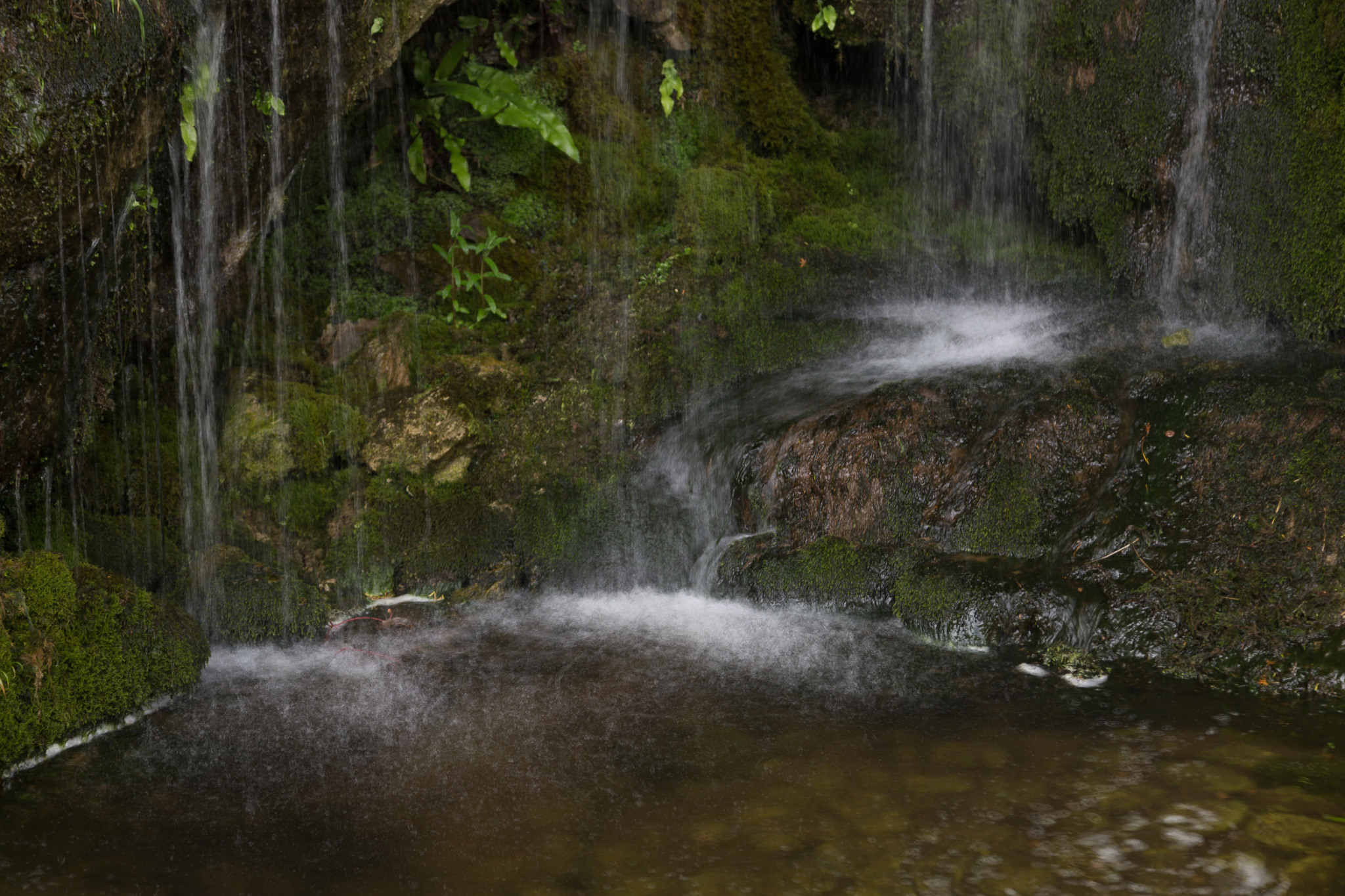
This one works better. The source photos are all around 1/25th of a second which is certainly not fast enough to freeze the water.
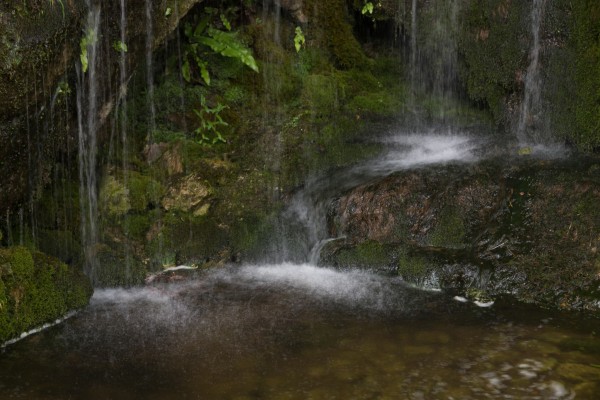
Almost happy with this one. The source photos go from 1/60th to 1/100th of a second.
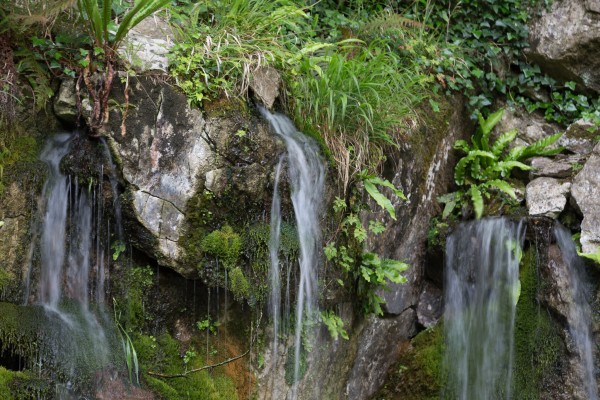
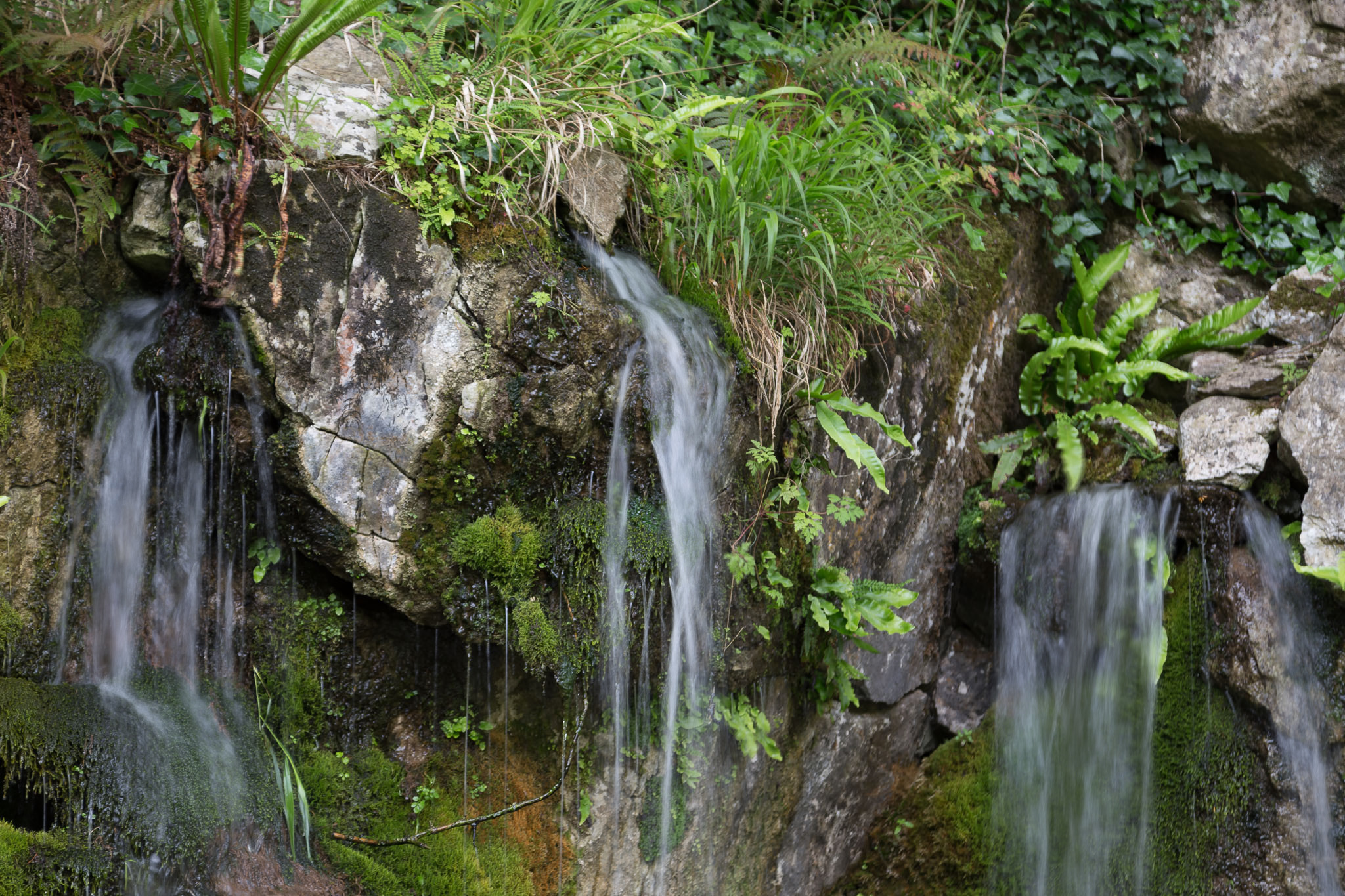
I like this. It was created from ten photos shot at f/4, 1/60th sec, ISO 100.
I didn’t try very hard to make the images here pretty. They’re purely experimental and done with minimal effort but I’m very happy with most of the results. In shaded daylight I was able to take the equivalent of five to ten second exposures without ND filters or reducing the size of the aperture. It would have been easier to make the aperture smaller and add an ND filter but that’s not the point of this exercise.
One issue that may bite you is the speed of your media. My camera quite often flashed a “busy” notice because it was writing to the SD card. Then again, I was shooting 20MP images and my card says it’s rated at 30MB/second which is a problem as each image is around 20MB. As they’ll only ever be viewed online that’s probably not really needed. I might try the half-size option next time.
One nice bonus to this method is that Google Photos will generate nice animated GIFs from your image stack. I posted mine here. I won’t embed them as the files are huge!
I’m definitely trying this out again!
Aperture ƒ/4 Camera Canon EOS 6D Focal length 24mm ISO 100 Shutter speed 1/60s -
Harmonica Busker

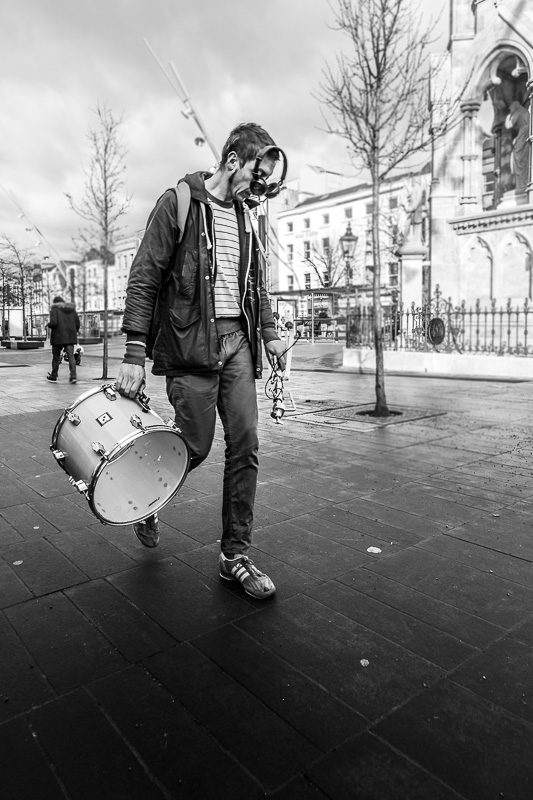
Niall O’Carroll playing the harmonica in Emmett Place, probably a couple of years ago. I posted a more recent photo of him when he was playing in Blackrock village earlier this month.


 Jealousy (2006)
 I love you (2007)
- I just read that a portable version of image manip
 Heads up at the Lough (2008)
 Old Couches and Mattresses (2009)
 1964 Morris Minor (2010)
 Walking on Panna (2014)
 Kinsale Street Corner (2017)
 Coke Zero Bikes (2018)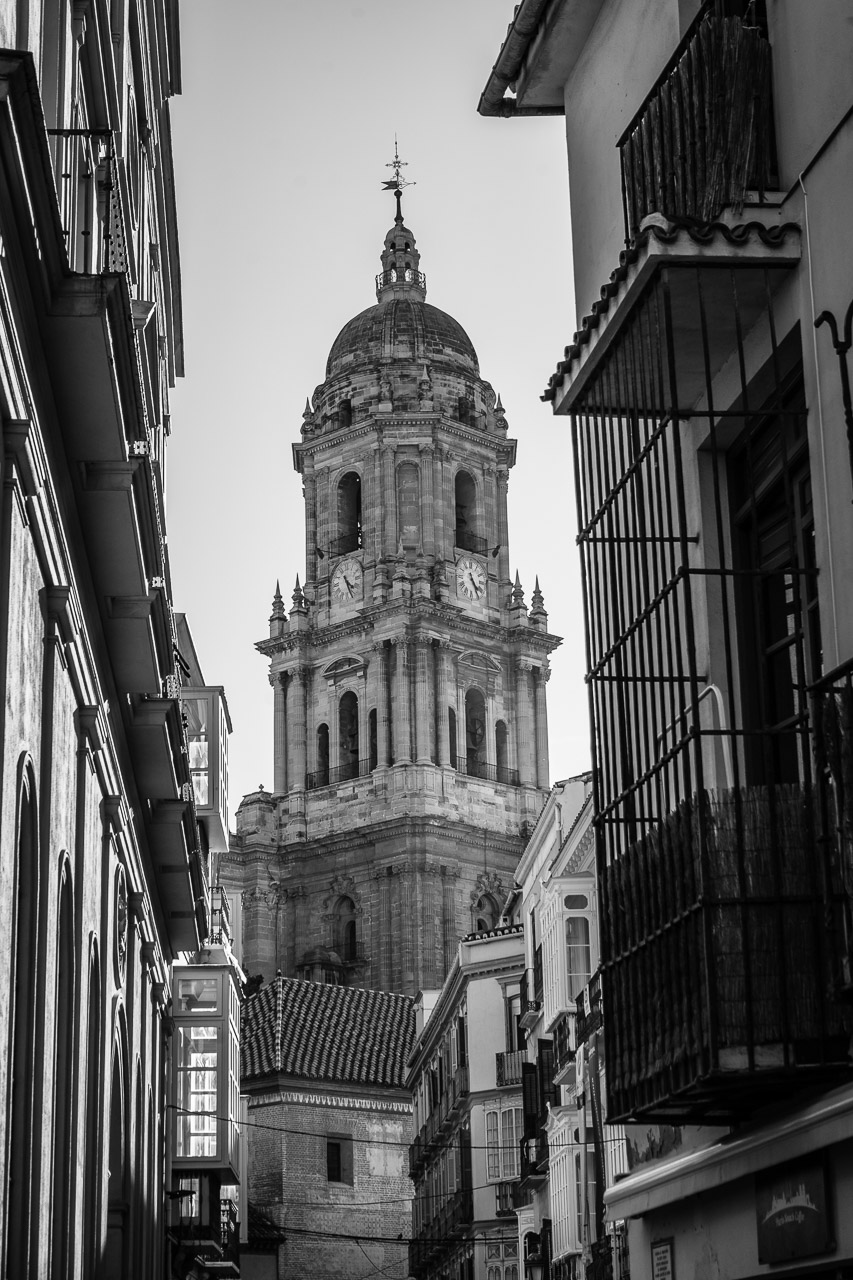
 On The Phone (2021)
 Crosshaven in the sun (2022)
 The crow wants your dinner (2023)
 Sunlit Serenity in Malaga (2025)