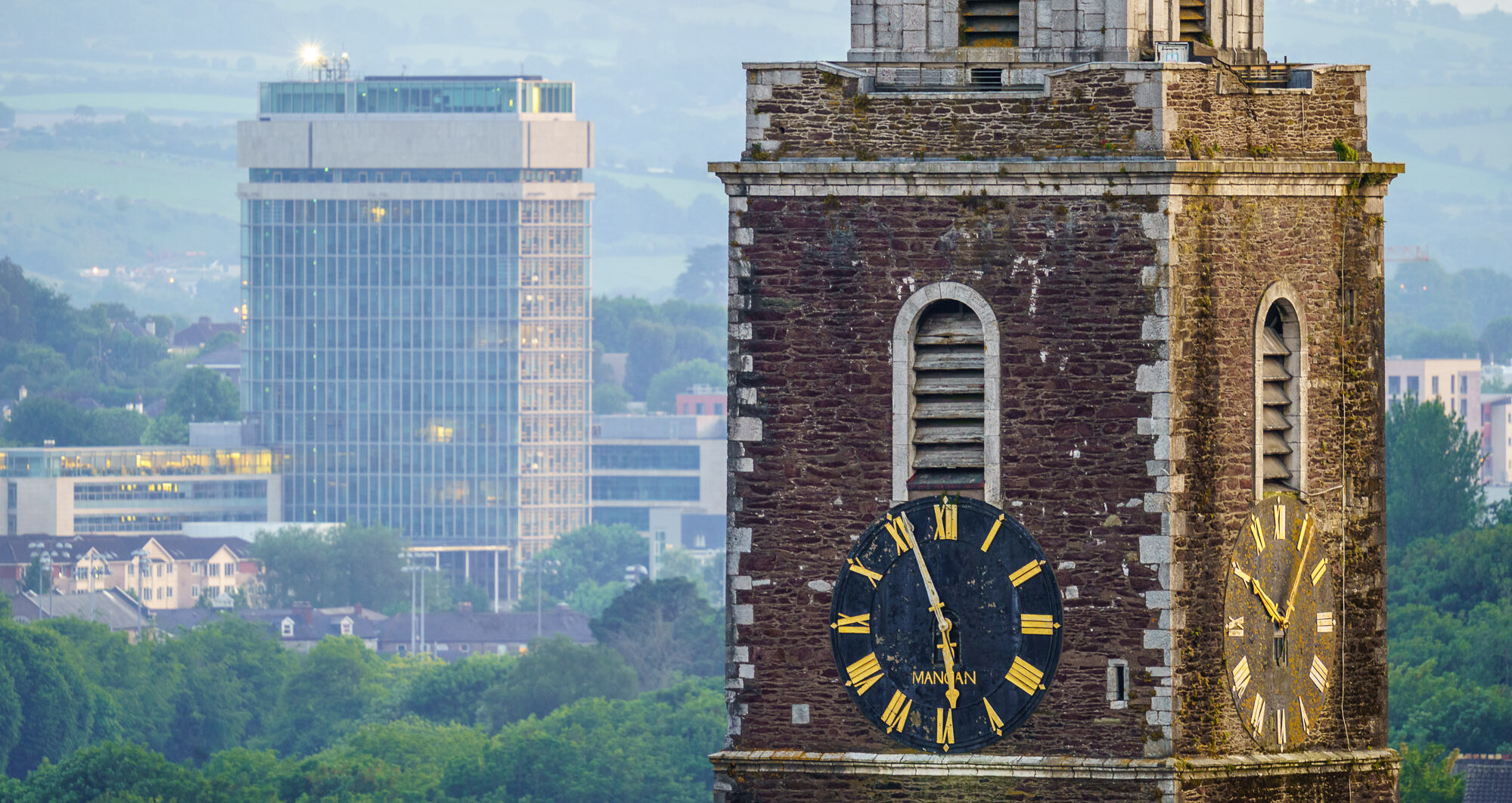
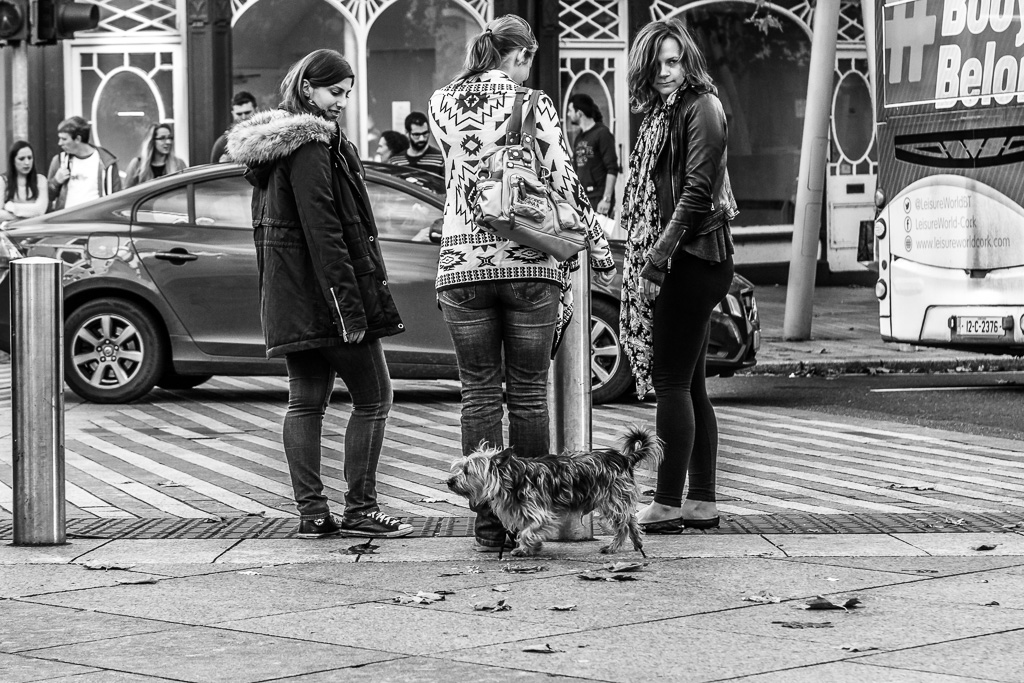
| Aperture | ƒ/8 |
| Camera | Canon EOS 6D |
| Focal length | 105mm |
| ISO | 1000 |
| Shutter speed | 1/250s |
-
Tip: How to stop Apple Photos from launching for all devices in OSX
This is a short but useful snippet of code if you use a Mac to edit your photos that I found on Reddit. This stops Apple Photos from launching when you insert an SD card or any external USB device.
To stop Apple Photos from ever launching again when you connect any device/memory card do the following:
Launch a ‘Terminal’ session
Enter the following line:
defaults -currentHost write com.apple.ImageCapture disableHotPlug -bool YESThere is an option in Photos to stop it loading “for this card” but that doesn’t work if you format the card which is very likely a part of your workflow if you use Lightroom (and it’s more sensible to copy rather than move in case your drive goes belly-up while transferring).






 Long Legged Bird (2006)
- Tag Archive (2006)
 Public Telephone (2007)
 The 300 Effect (2007)
 Church Flowers (2008)
 Saor Patrol play in Cork (2009)
 Windswept in Reykjavik (2013)
 Building the in-between-bits (2015)
 Urban San Diego, 2012 (2016)
 On The Pier at Santa Cruz (2017)
 Trees at Sunrise (2018)
 Relaxing in the Sun (2019)
 The cat looks down (2021)
 Tacking against the wind (2022)
 Horse and Cart in Motion (2023)
 A tourist stares (2024)
 Wild Atlantic Waves (2025)