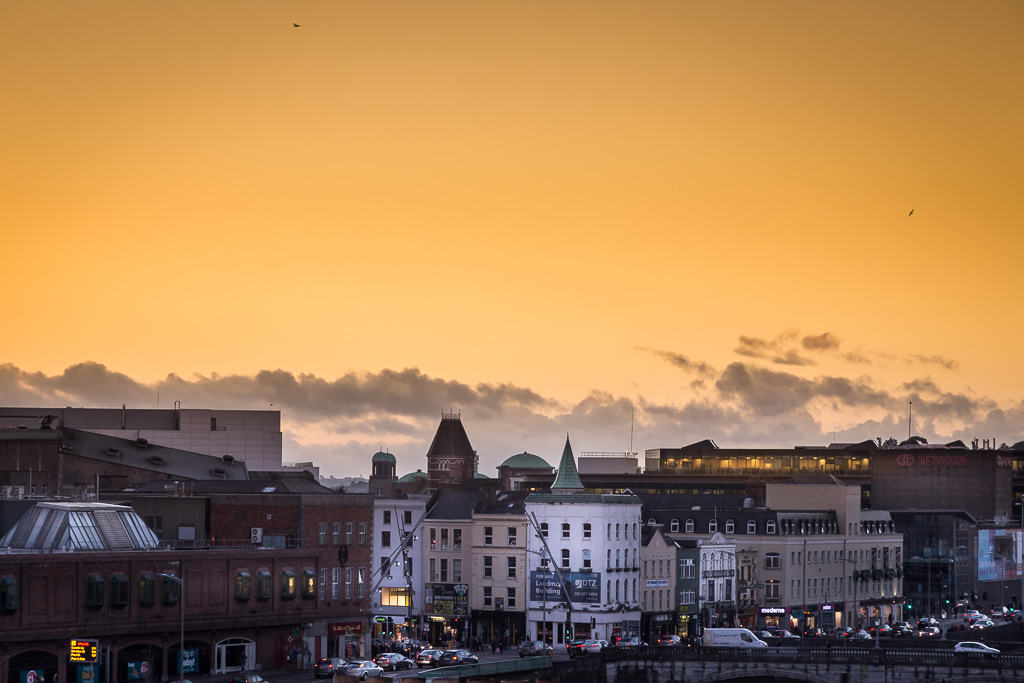
| Aperture | ƒ/8 |
| Camera | Canon EOS 6D |
| Focal length | 24mm |
| ISO | 800 |
| Shutter speed | 1/250s |
Author: Donncha
-
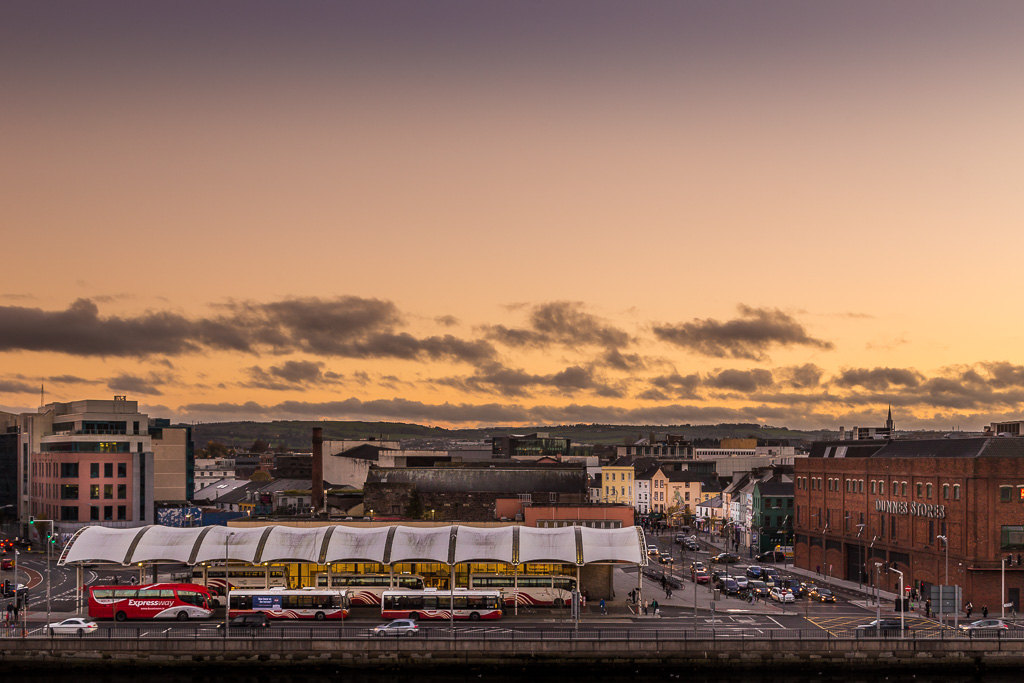
Streets of Cork
Written by
-
Streets of Cork
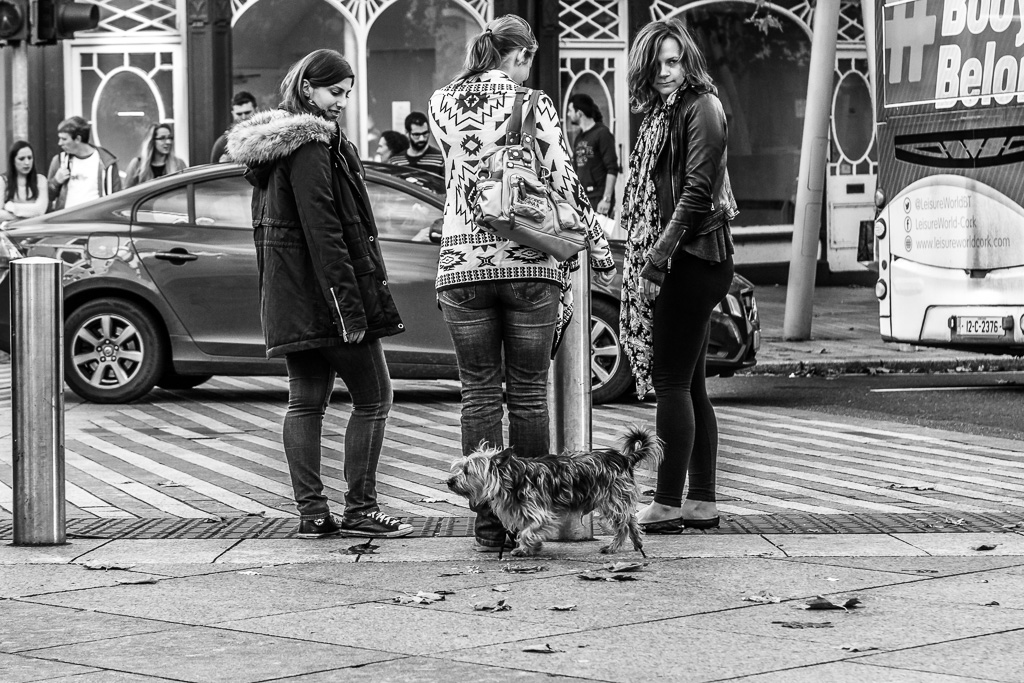
Aperture ƒ/8 Camera Canon EOS 6D Focal length 105mm ISO 1000 Shutter speed 1/250s Written by
-
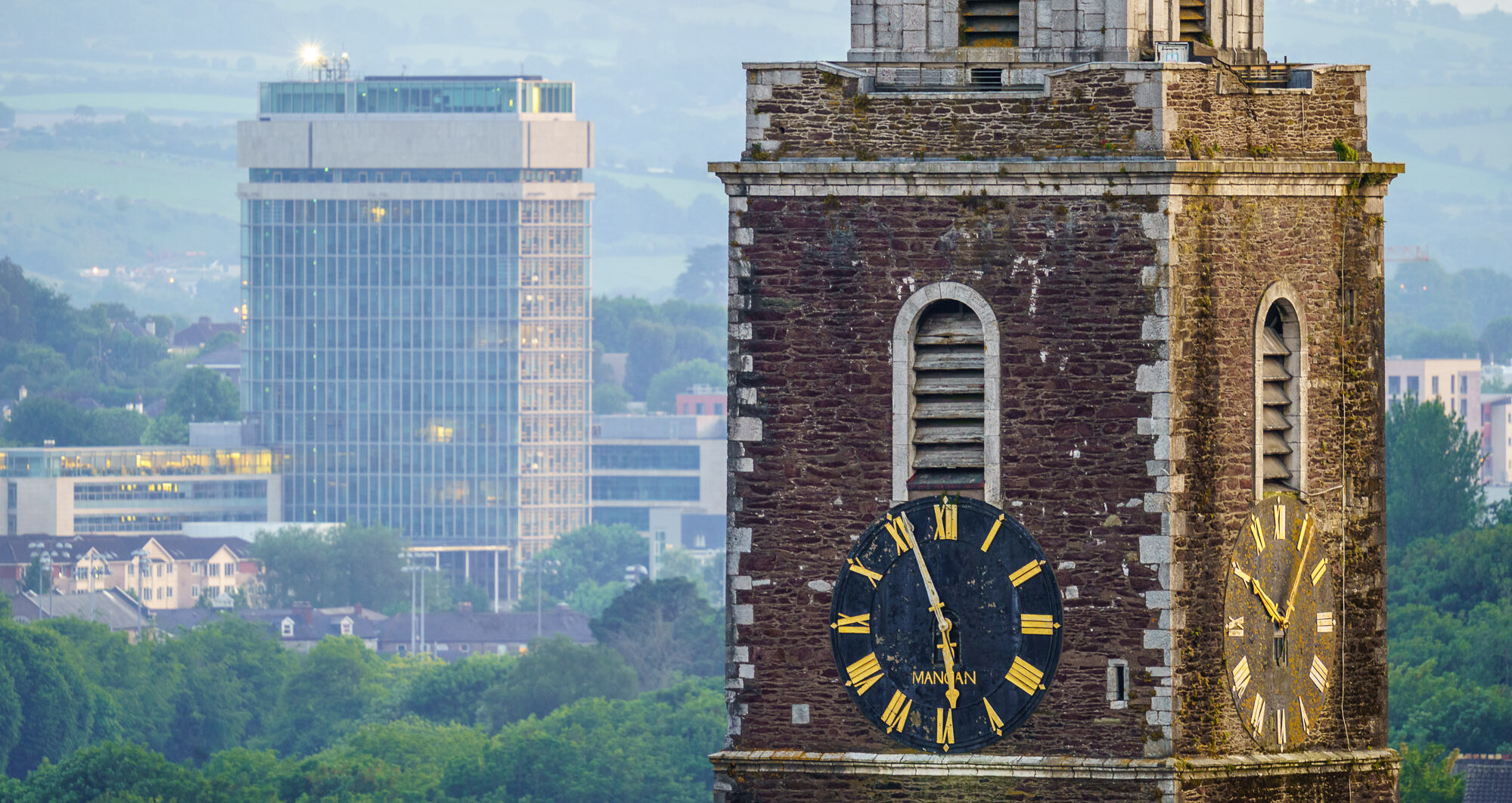
Streets of Cork
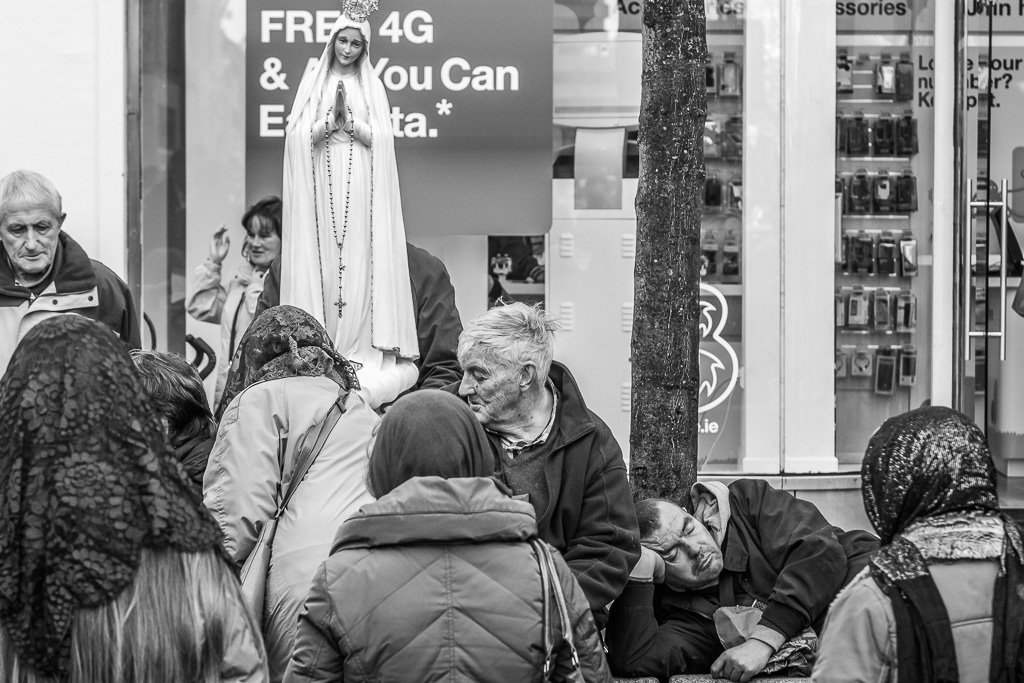
Aperture ƒ/8 Camera Canon EOS 6D Focal length 105mm ISO 1250 Shutter speed 1/320s Written by
-
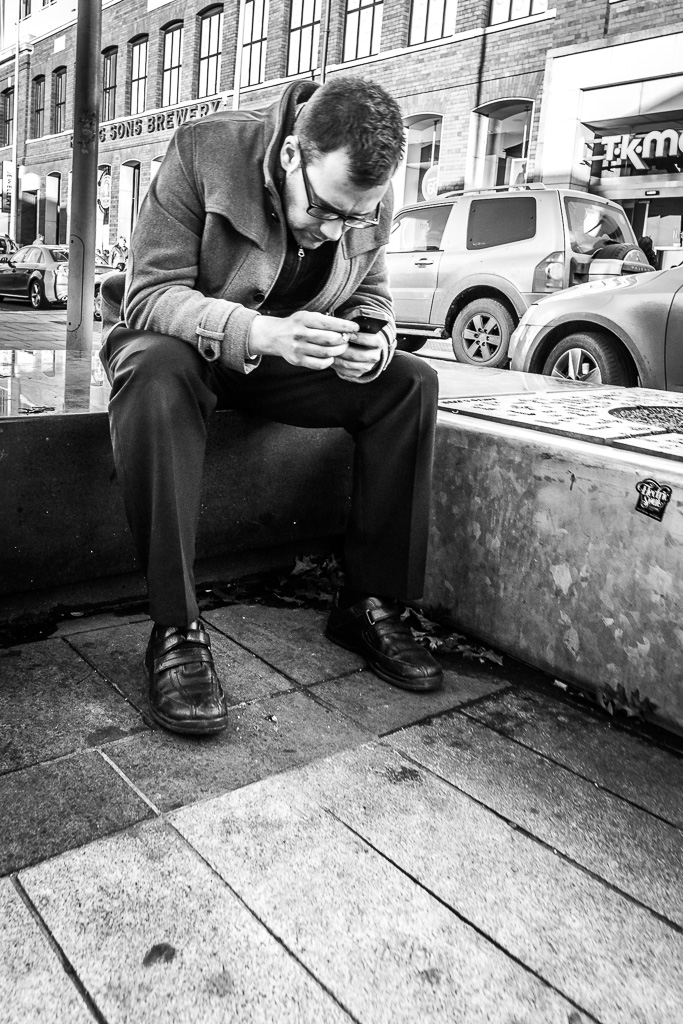
Streets of Cork
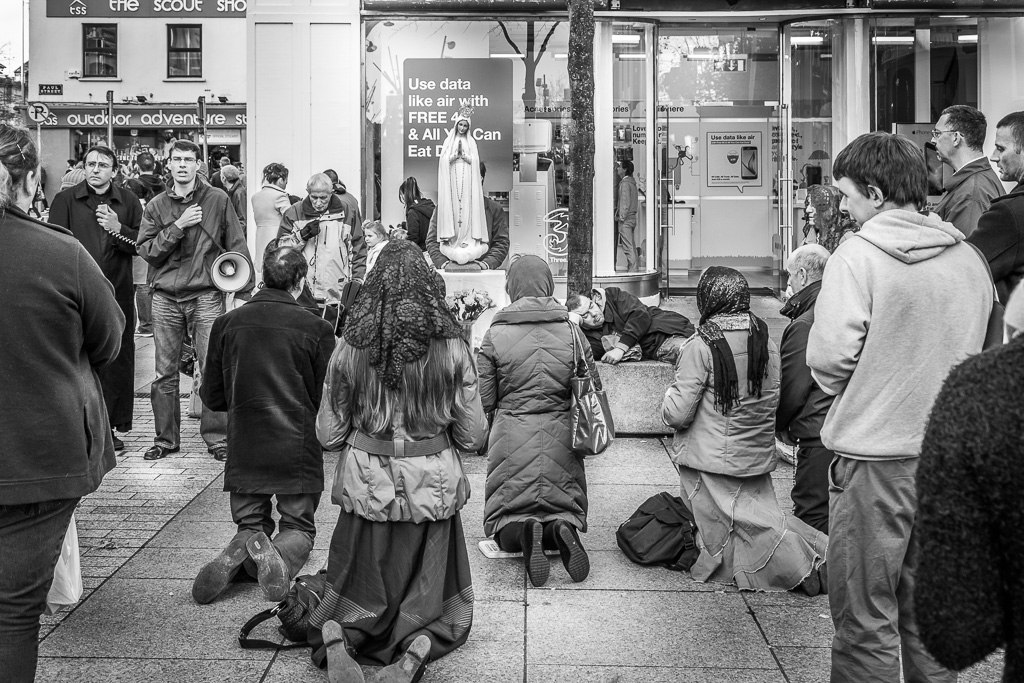
Aperture ƒ/8 Camera Canon EOS 6D Focal length 40mm ISO 1250 Shutter speed 1/250s Written by
-
Streets of Cork
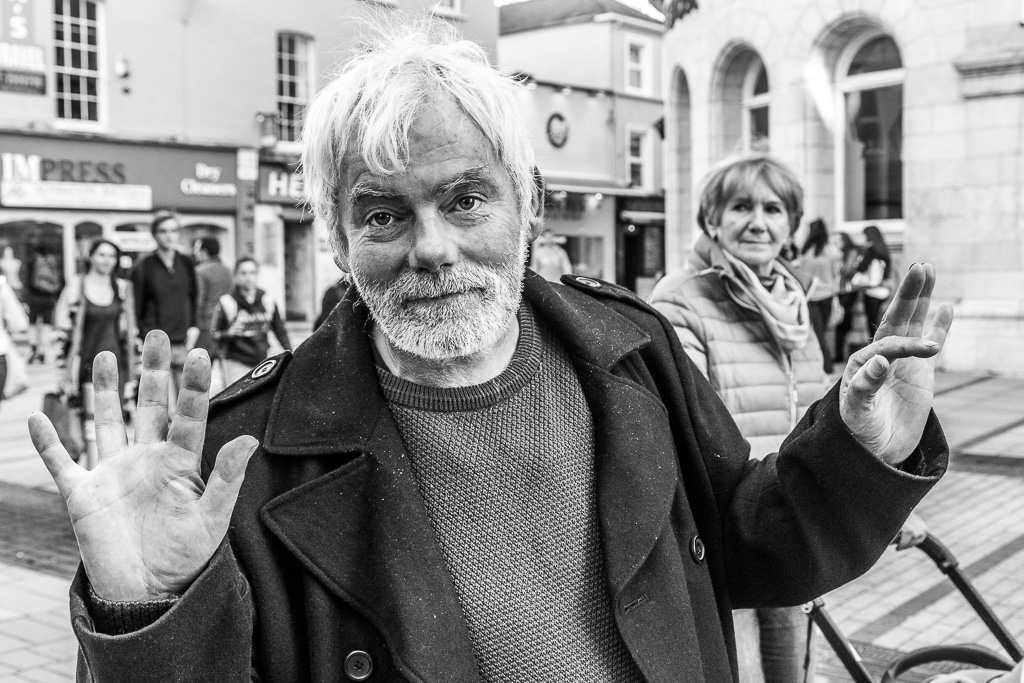
Aperture ƒ/8 Camera Canon EOS 6D Focal length 45mm ISO 3200 Shutter speed 1/250s Written by
-
Streets of Cork

Aperture ƒ/9 Camera Canon EOS 6D Focal length 88mm ISO 8000 Shutter speed 1/320s Written by
-
Streets of Cork

Aperture ƒ/9 Camera Canon EOS 6D Focal length 105mm ISO 12800 Shutter speed 1/160s Written by
-
Tip: How to stop Apple Photos from launching for all devices in OSX
This is a short but useful snippet of code if you use a Mac to edit your photos that I found on Reddit. This stops Apple Photos from launching when you insert an SD card or any external USB device.
To stop Apple Photos from ever launching again when you connect any device/memory card do the following:
Launch a ‘Terminal’ session
Enter the following line:
defaults -currentHost write com.apple.ImageCapture disableHotPlug -bool YESThere is an option in Photos to stop it loading “for this card” but that doesn’t work if you format the card which is very likely a part of your workflow if you use Lightroom (and it’s more sensible to copy rather than move in case your drive goes belly-up while transferring).
Written by